How does the shipping is managed by the module?
Express payment from the store
From a product page, product list or cart page, the customer chooses a delivery address from those offered in the Apple Pay window.
The window offers carriers that match the selected address and are allowed for Apple Pay on your store. Carriers identified as pick-up carriers in the module are excluded from this express flow. The customer then selects one of the carriers offered in the Apple Pay window.
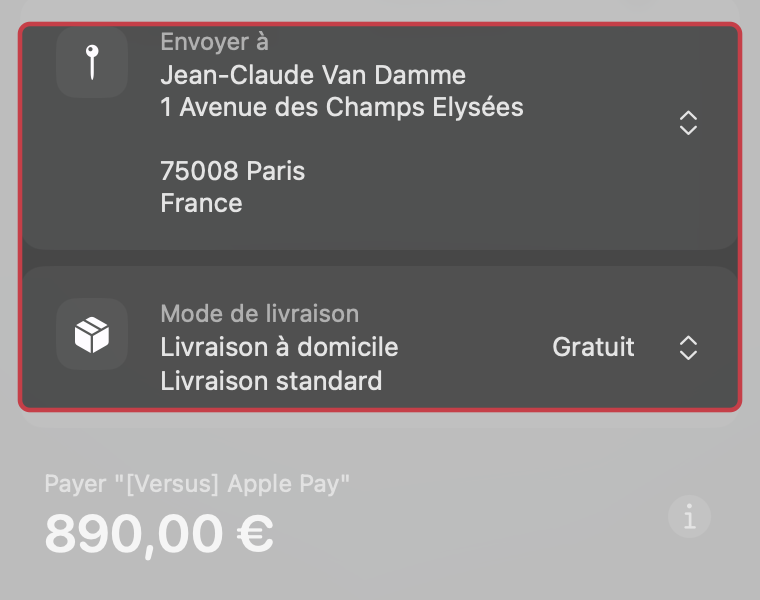
Example in Safari (French interface): fictional address and home delivery. Available shipping methods and rates depend on your store.
The shipping fees that you usually offer on your shop will therefore apply in the same way depending on the selected delivery address and carrier. If the user changes the delivery address or the carrier, the shipping costs will be automatically updated.
Payment at the last checkout step
The customer has already selected an address and shipping method on the store. The module uses those details for payment, without offering another carrier selection in the Apple Pay window. If the customer selected a pick-up point, see the conditions for using the selected pick-up point.
If you only want to offer certain delivery methods through Apple Pay, please follow this FAQ.