Which pages can I target with a group?
A group’s type determines which content the module searches for your expressions. It does not define the link destination: that is set in each expression.
Distinguish products from category pages
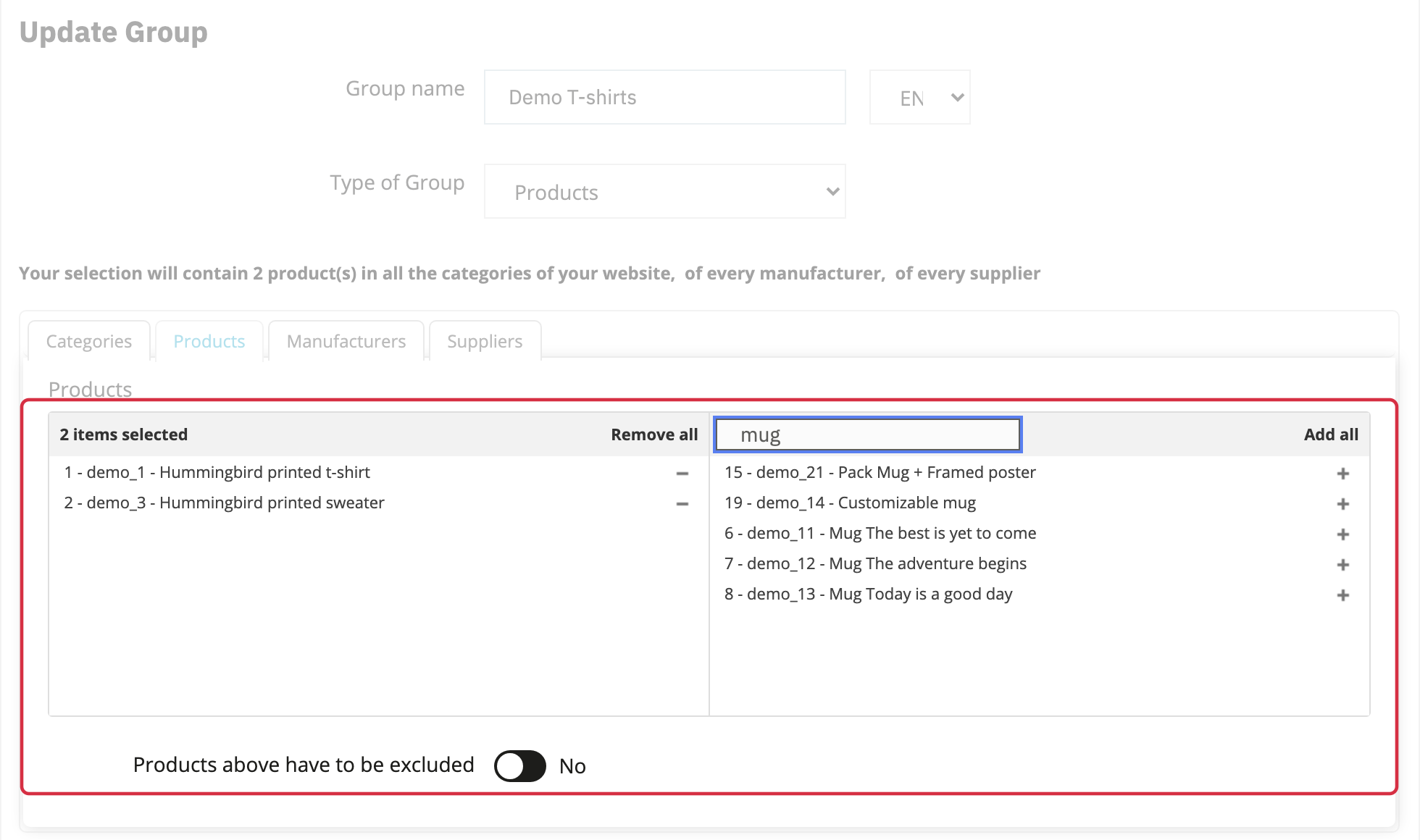
With the Products type, the Categories, Products, Manufacturers and Suppliers tabs select the products whose descriptions will be processed. For example, selecting a category targets its products.
To create links in the category’s own description, choose the Categories group type. Likewise, the Suppliers filter in a Products group does not create links on supplier pages.
Choose other content
- CMS: the content of selected CMS pages.
- Categories: the descriptions of selected categories.
- Manufacturers: the descriptions of selected manufacturers.
- Editorial Module: home page content provided by a supported module,
editorialorps_customtext. - Blog: short and long post descriptions from
ybc_blog, when installed. The type uses the blog module’s name. - SEO Pages (Advanced Search Pro): the main and footer descriptions of selected SEO pages, when the integration is available.
Select the relevant items in the group form. Where an exclusion option is available, enabling it reverses the role of the list: selected items are excluded. Check the selection summary before saving. The language of each expression then determines which content translation is processed.
Target Advanced Search Pro SEO pages
This group type is available from version 1.6.0 and requires Advanced Search Pro to be installed. In multistore mode, choose a single shop in the back office shop selector: the type is unavailable in the All shops or shop group contexts.
- Create a SEO Pages (Advanced Search Pro) group.
- Select at least one SEO page belonging to the current shop, then save.
- Assign expressions to this group in the required languages. The corresponding translation must exist on the targeted pages.
- In Optimization, run SEO page processing. You can also use its dedicated URL from Crontab.
The module modifies the descriptions of the selected pages; linking rules are managed in SEO Internal Linking.
See also: Create your first expressions.
See also: Apply rules and schedule recalculation.